 garajiz
● Free template
Auto repair price list: free Excel, Word and PDF template.
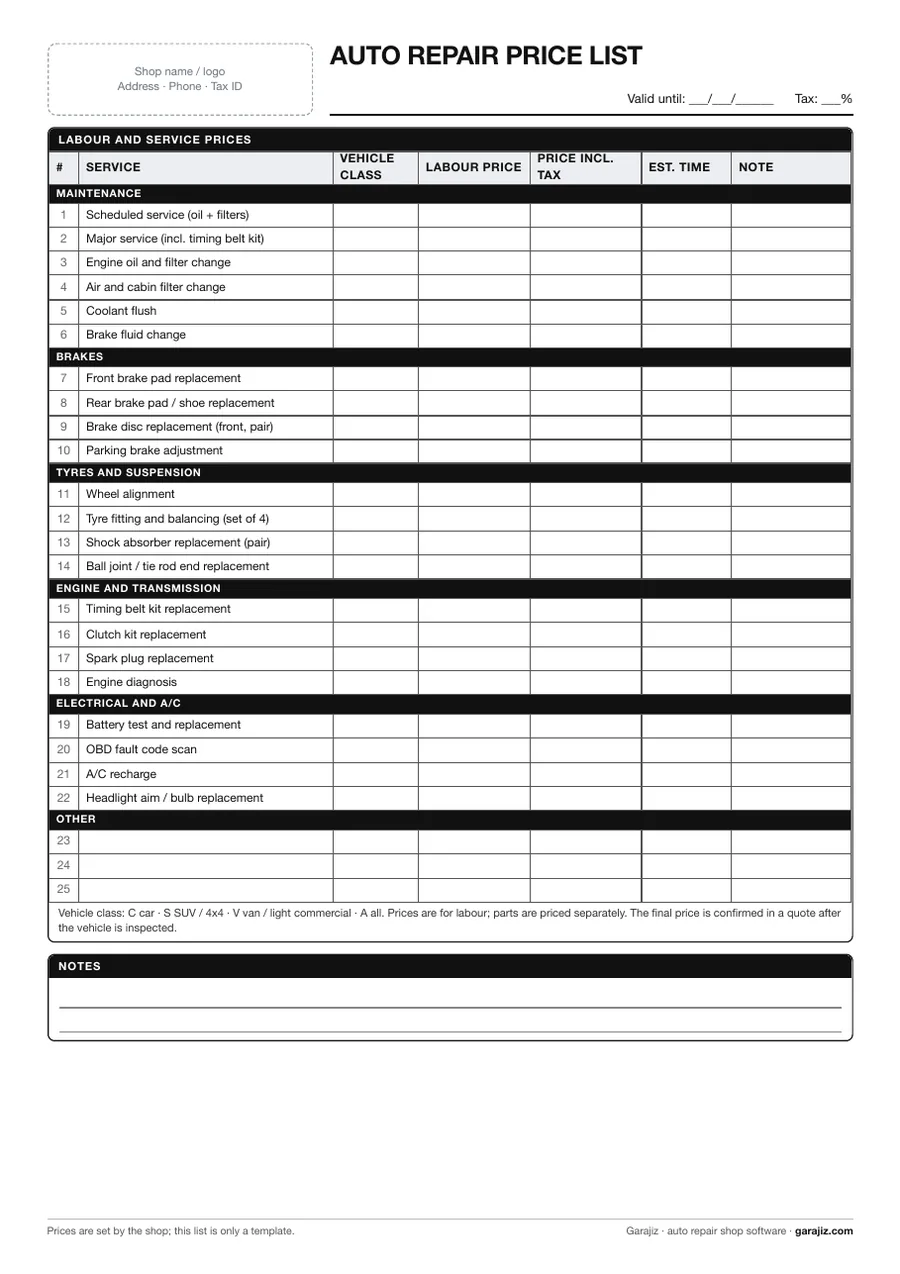
A ready-made labour and service price list for auto repair shops. Common jobs, from scheduled maintenance to brake pad replacement and from wheel alignment to A/C recharge, are listed in groups; you fill in the price, vehicle class and estimated time. Put it on the wall, keep it at the counter or send it to customers.
01 Contents
What's on the list?
- Shop name, address, tax ID — with a space for your logo
- Valid-until date and tax rate — how long the prices on the list apply
- Maintenance — scheduled service, major service, oil, filters, coolant, brake fluid
- Brakes — front/rear pads, disc replacement, parking brake adjustment
- Tyres and suspension — wheel alignment, tyre fitting, shock absorbers, ball joints
- Engine, transmission, electrical and A/C — timing belt, clutch, spark plugs, battery, fault scan, A/C recharge
- Columns — vehicle class, labour price, price incl. tax, estimated time, note
- Blank rows — for adding your own services
02 Usage
How to fill it in
- Edit your servicesDelete jobs you don't do and add your common ones in the blank rows.
- Set the vehicle classIf labour differs for cars, SUVs and vans, write the same service on separate rows.
- Enter labour before taxIn Excel the price incl. tax is calculated automatically; in Word and PDF, fill in both columns by hand.
- Write the valid-until dateWhen you update prices, change the date too and take down the old list.
● From list price to quote
Quote the price, send the quote as a link.
With Garajiz you write quote lines on your phone; the total and tax are calculated automatically, and the customer approves the quote from a link. 14 days free, no card needed.
03 Questions
Frequently asked.
Why does a repair shop need a price list?
Customers don't hear a different price for the same job each time, and technicians and service advisors quote the same number. The list also gives a quick, consistent answer to “how much will it cost?” on the phone.
Are prices filled in on the template?
No. Service names are filled in as examples; the labour, vehicle class and time columns are blank. You set the prices based on your own costs and area.
How is tax calculated in the Excel version?
Enter your rate in the tax rate cell at the top (it's 0 by default; leave it at 0 if your prices already include tax). When you enter a labour price, the “price incl. tax” column is calculated automatically.
Is a list price the same as a quote?
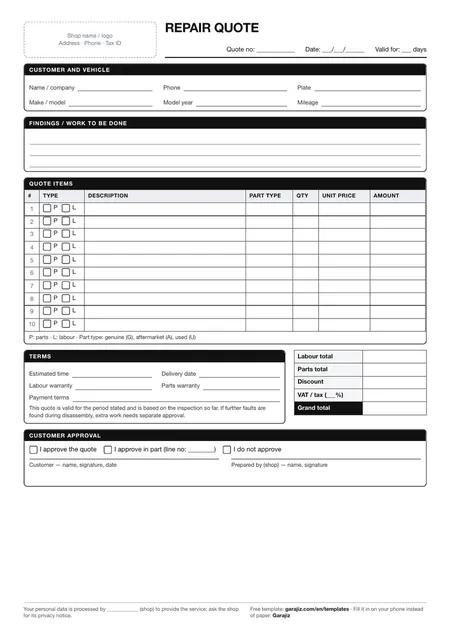
No. The list price is a starting point; once the vehicle has been inspected, you give a written quote that includes parts and any extra work. You can use the free repair quote form for that.
04 Other templates
 Repair quote form
 Work order form
 Vehicle check-in form
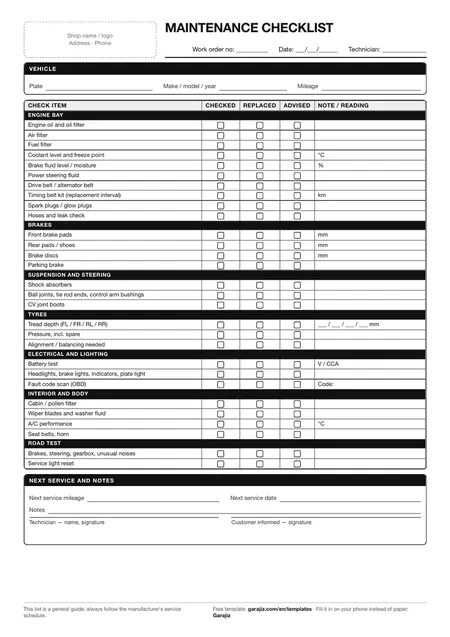 Scheduled maintenance checklist