 garajiz
● Free template
Vehicle check-in form: free, printable PDF.
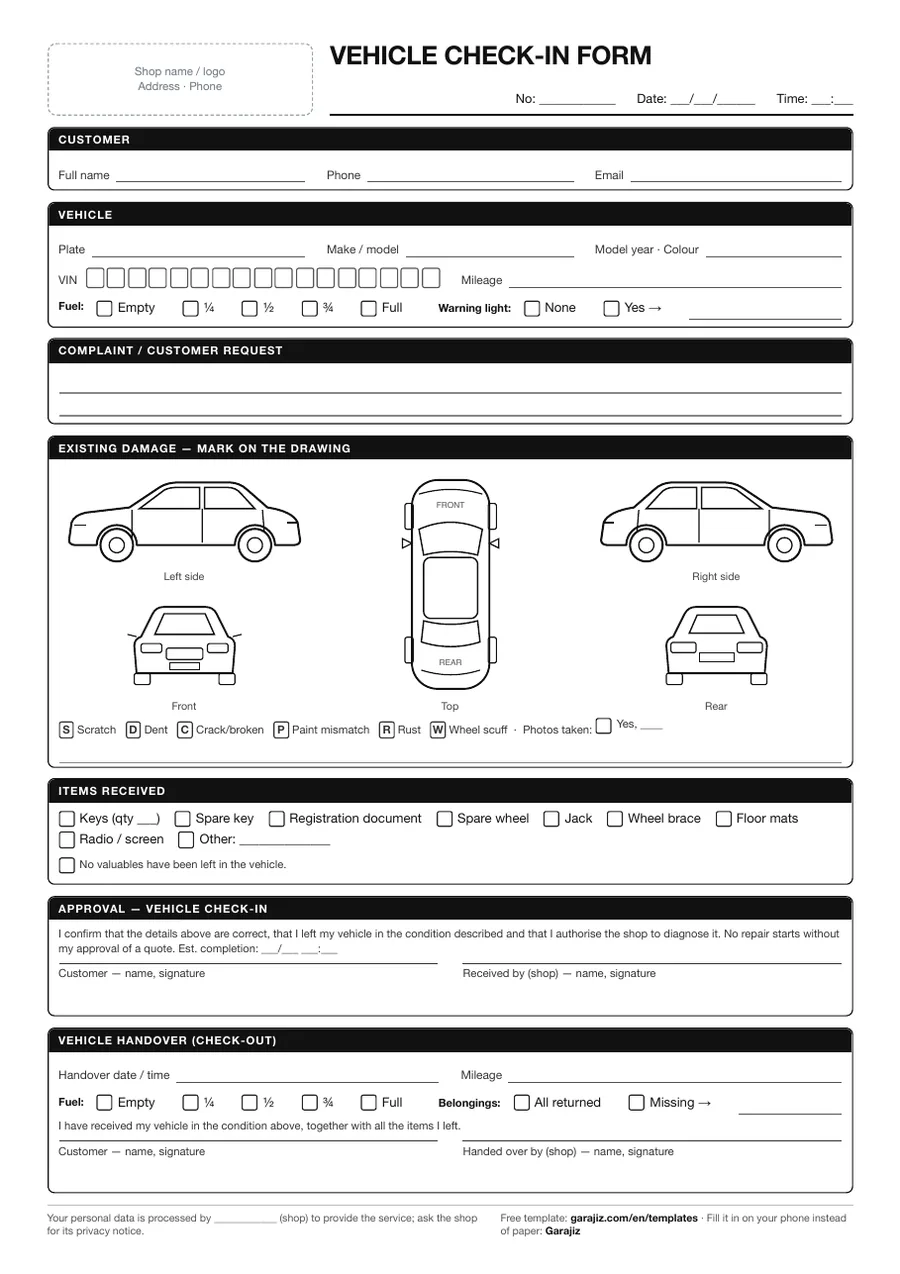
A ready-made form for recording a car that arrives at your shop. Mileage, fuel, existing damage, items left with the car and the customer's signature on one page. There's also an exit section to fill in when the car is handed back, so you have a record if there's a dispute at delivery.
01 Contents
What's on the form?
- Customer and vehicle details — plate, make/model, year, colour, 17-character VIN boxes
- Mileage and fuel level — Empty · ¼ · ½ · ¾ · Full
- Warning lights — faults on the dashboard
- Damage marking diagram — left, right, front, rear and top views
- Damage codes — scratch, dent, crack, paint mismatch, rust, kerbed wheel
- Items received — key, spare key, registration, spare wheel, jack, mats…
- Customer approval — with a “no repair starts without price approval” clause
- Vehicle delivery (exit) section — delivery mileage, fuel, items returned, signature
02 Usage
How to fill it in
- Fill it in as soon as the car arrivesRead the mileage and fuel together while the customer is with you.
- Mark damage on the diagramWrite each damage's code (scratch, dent, crack…); take a photo if you can.
- Tick the items leftMake the number of keys and the items left in the car clear.
- Get signatures, repeat at deliveryWhen the car leaves, fill in the exit section and have the customer sign it.
● Your phone instead of paper
Don't print this form again for every car.
With Garajiz the same details are saved from your phone with photos; customer approval comes from a link and the record never gets lost. 14 days free, no card needed.
03 Questions
Frequently asked.
What is a vehicle check-in form?
A document, signed by the customer and the shop, that records the condition of a car when it arrives at the shop (mileage, fuel, existing damage, items left with the car).
Is this vehicle check-in form free?
Yes. Download the PDF, add your shop's name and logo, and make as many copies as you like.
Why does the form have a vehicle delivery (exit) section?
To prove on the same document that you returned the car as you received it. Mileage, fuel and items at check-in and at delivery sit side by side.
Can I do a digital check-in instead of a paper form?
Yes. With Garajiz, mileage, fuel, damage photos and items left with the car are saved to the work order from your phone; try it free for 14 days.
04 Other templates
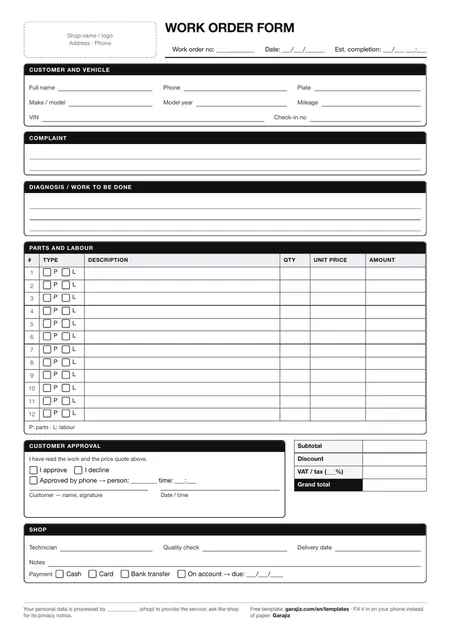 Work order form
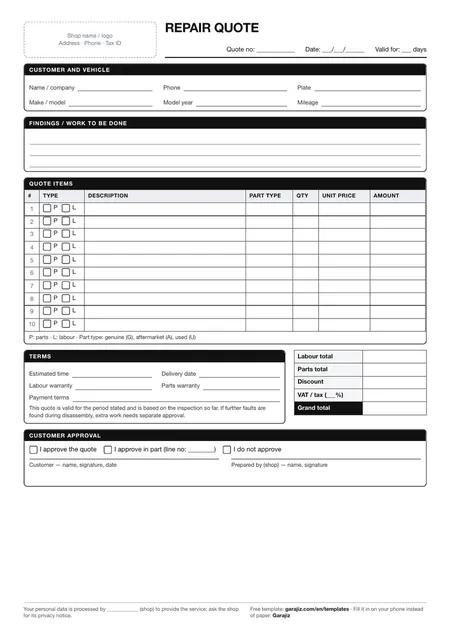 Repair quote form
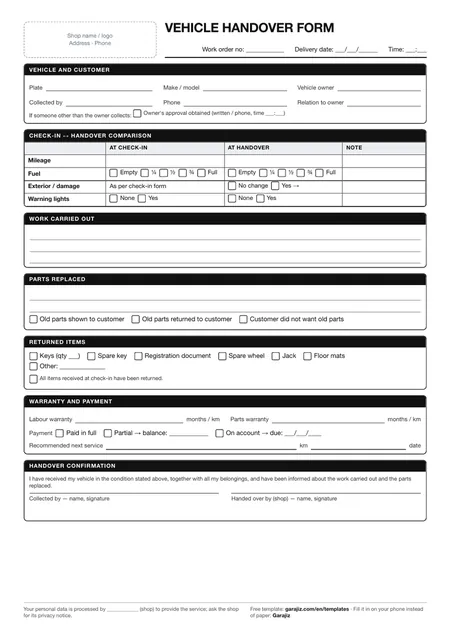 Vehicle handover form
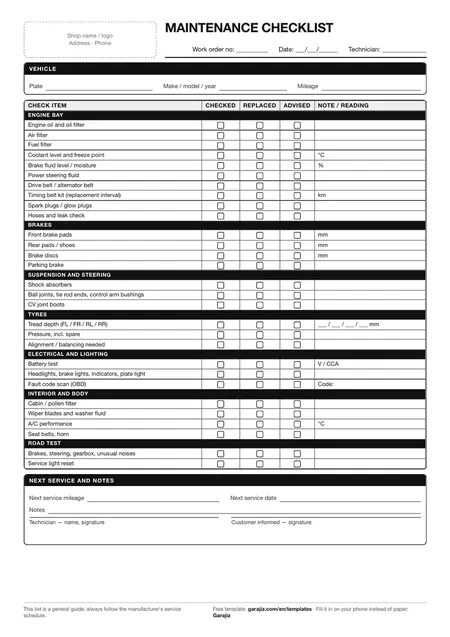 Scheduled maintenance checklist