 garajiz
● Garajiz video
How to open a work order: Garajiz in 30 seconds
Opening a new work order in Garajiz: one tap from the home screen, plate and vehicle details, vehicle check-in.
In this video
In Garajiz, the work order is where a vehicle’s whole record in the shop begins. You tap New Work Order on the home screen and type the plate; if the vehicle has been in before, the customer and vehicle details fill in on their own.
Then you enter the check-in details: mileage, fuel level, complaint and damage photos. Diagnosis, parts and labour items, customer approval and payment all move forward on the same work order.
Transcript
How do you open a work order in Garajiz? I'll show you in 30 seconds. Tap the New Work Order button on the home screen. Type the plate. Customer and vehicle details come together on one card. Record the mileage, fuel level and intake notes in the check-in step. Try Garajiz free for 14 days. No credit card needed. garajiz.com
Video: Garajiz · Türkçe
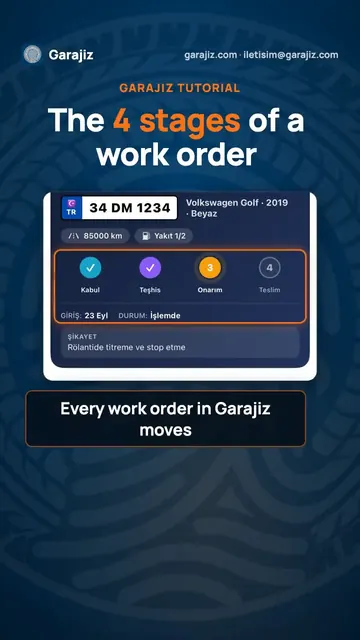 Work order stages: from check-in to delivery
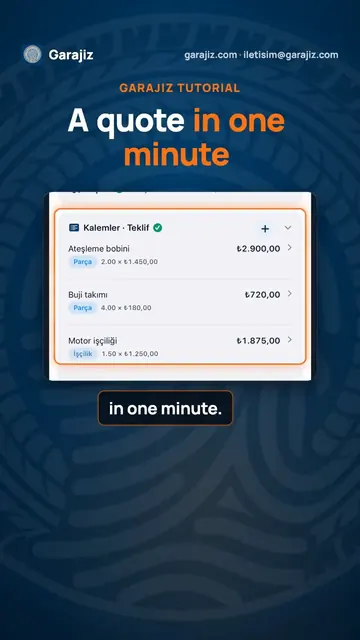 How to prepare a parts and labour quote
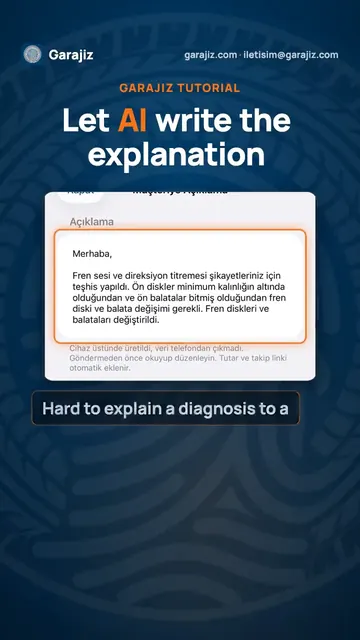 Clear explanations for customers, written by AI
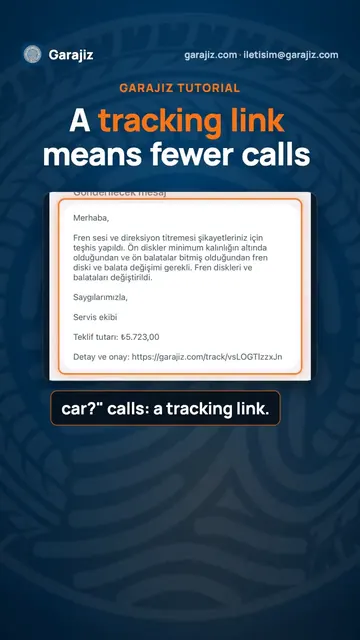 Send customers a tracking link and get fewer calls